 Pay Together
For trips with friends and family
Shared trip expenses — no spreadsheets, no arguments
Add expenses in any currency, and Pay Together works out who owes whom — as a single amount in your home currency.
Free · Android · no sign-up
Everything a group trip needs
Several families, different currencies, one pays for dinner, another for the tour — the app keeps exact track as you go.
-
Any currency
Pay in lari, euros or baht. The Bank of Russia rate for the day of payment is filled in automatically.
-
Families and groups
Each family is its own group. Kids share the costs without having to add anything themselves.
-
Who owes whom
The shortest list of payments between groups instead of everyone paying everyone. Record a payment with one tap.
-
Works offline
Expenses are saved on the phone and sync once you are back online.
-
Invite by QR
Friends scan the code with their camera and join the trip as their own group or yours.
-
No sign-up
No login, no password, no phone number. Open the app and start adding expenses.
How it works
Three steps from the first expense to the final tally.
-
Create a trip
A name and a home currency for the totals.
-
Invite by QR
Each family adds expenses from their own phone, and everything comes together in one trip.
-
See the summary
Who owes whom, plus spending by category and currency.
What it looks like
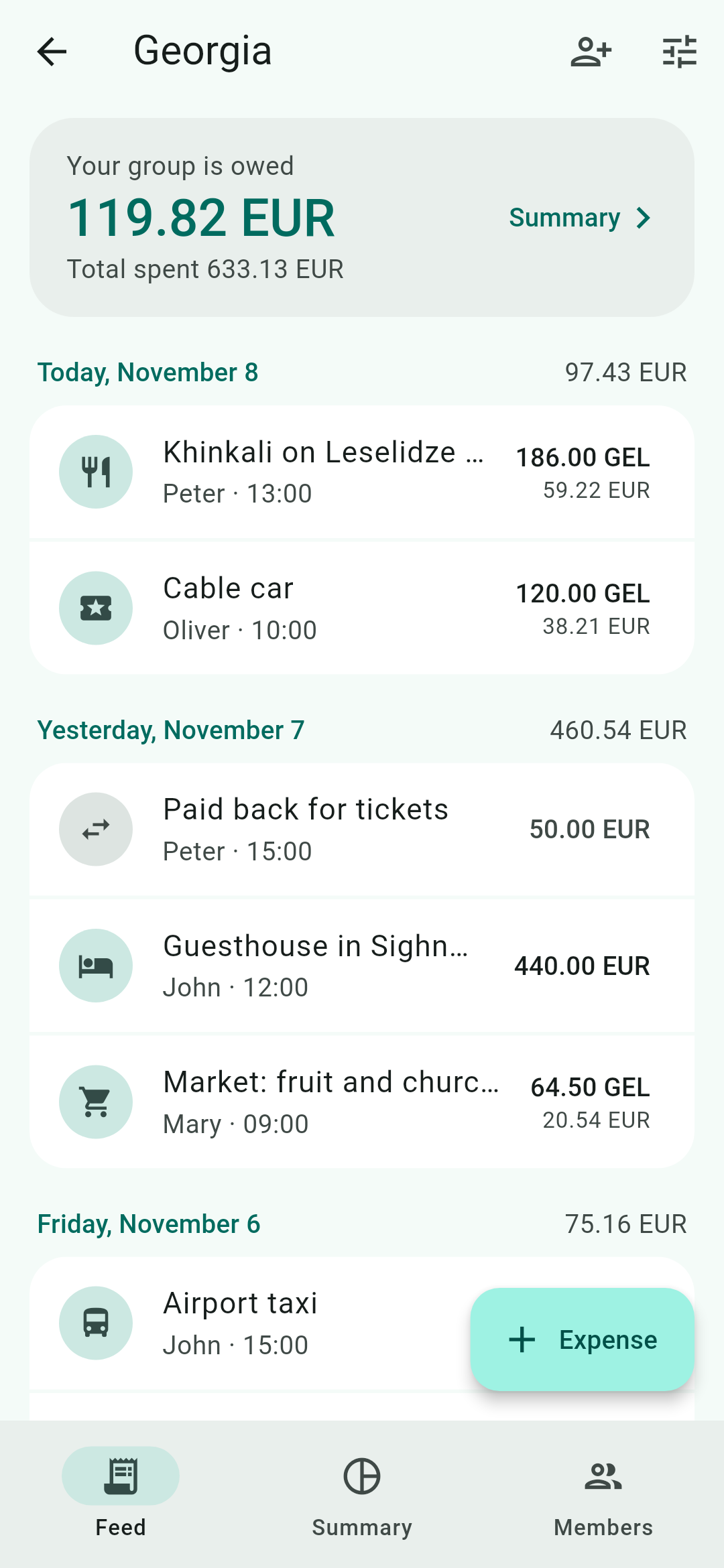
Light and dark theme, following your phone.
-
Expense feed -
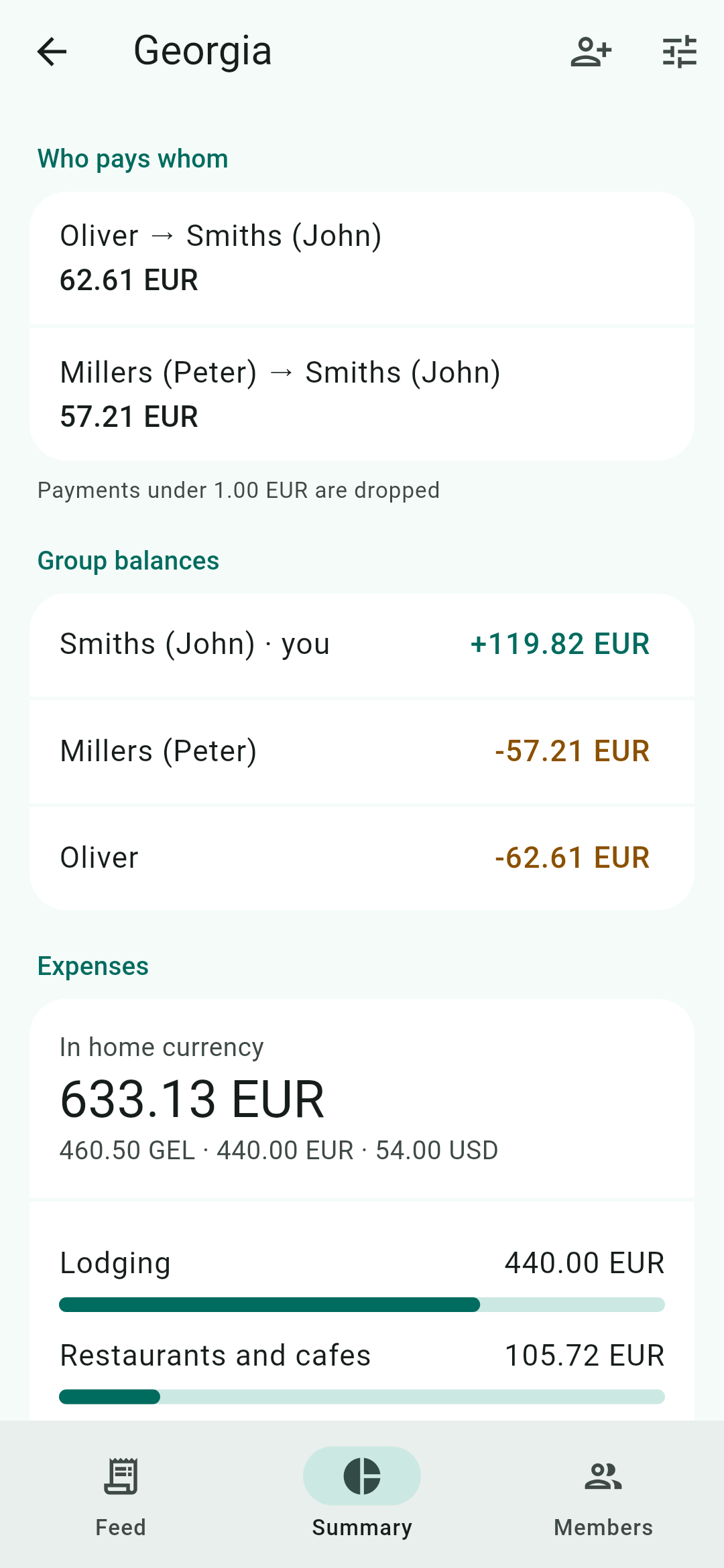
Summary and payments -
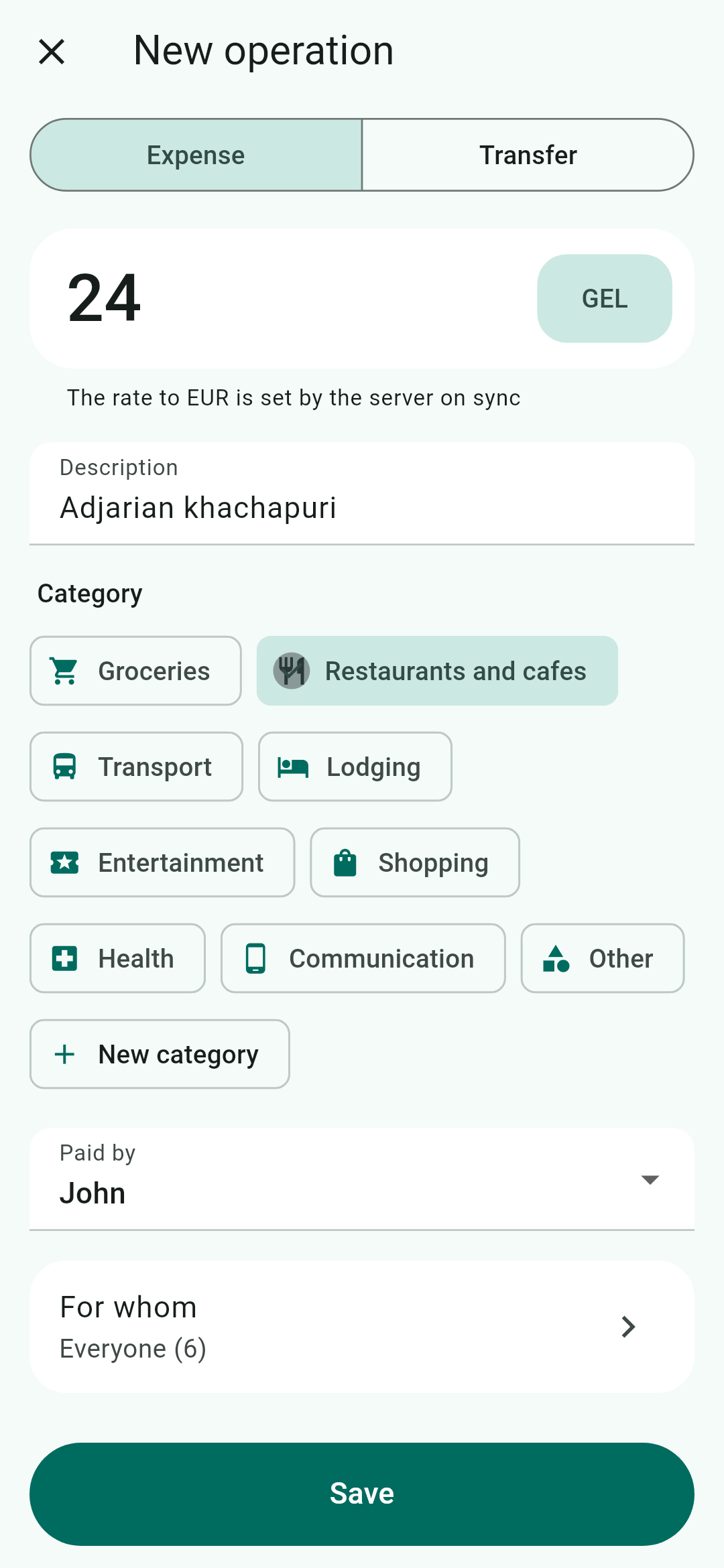
New expense -
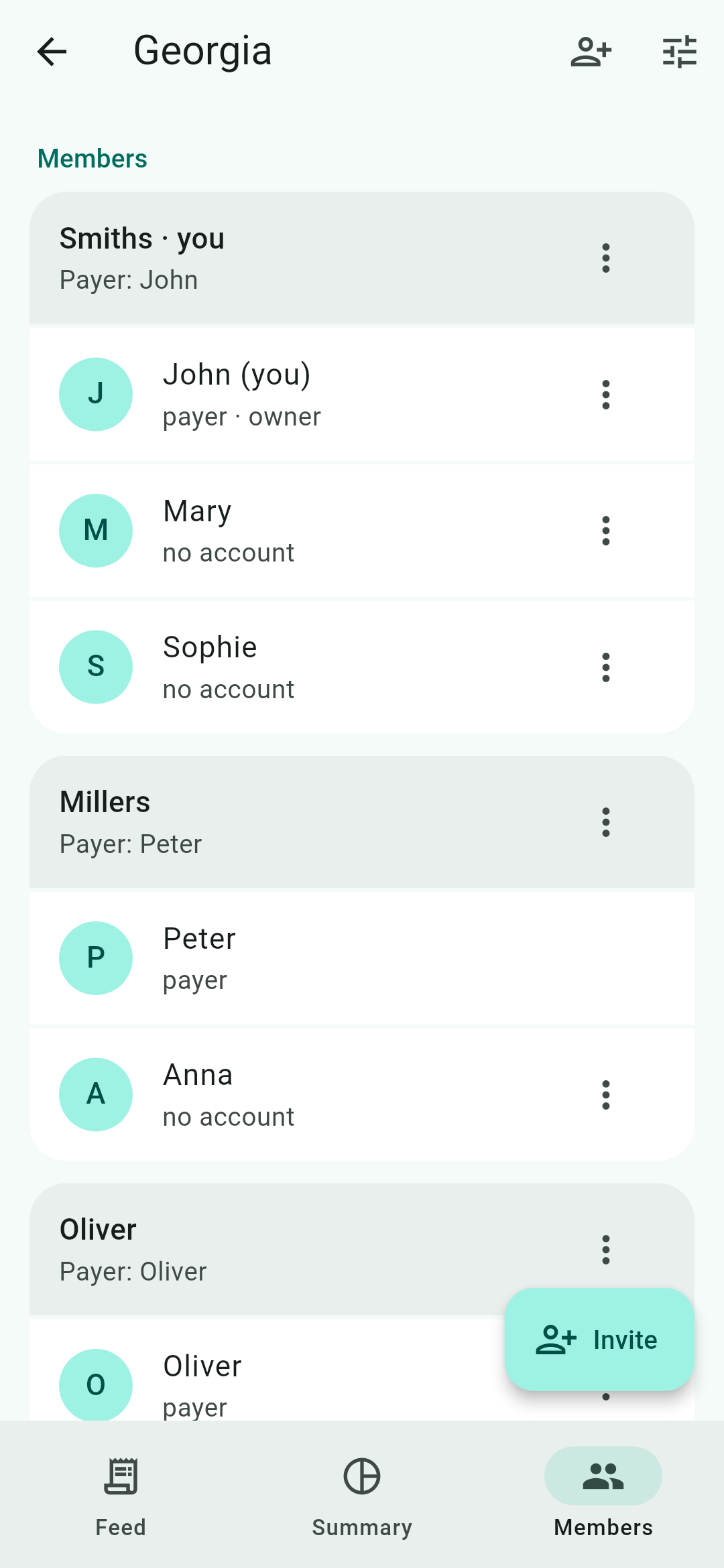
Families and members -
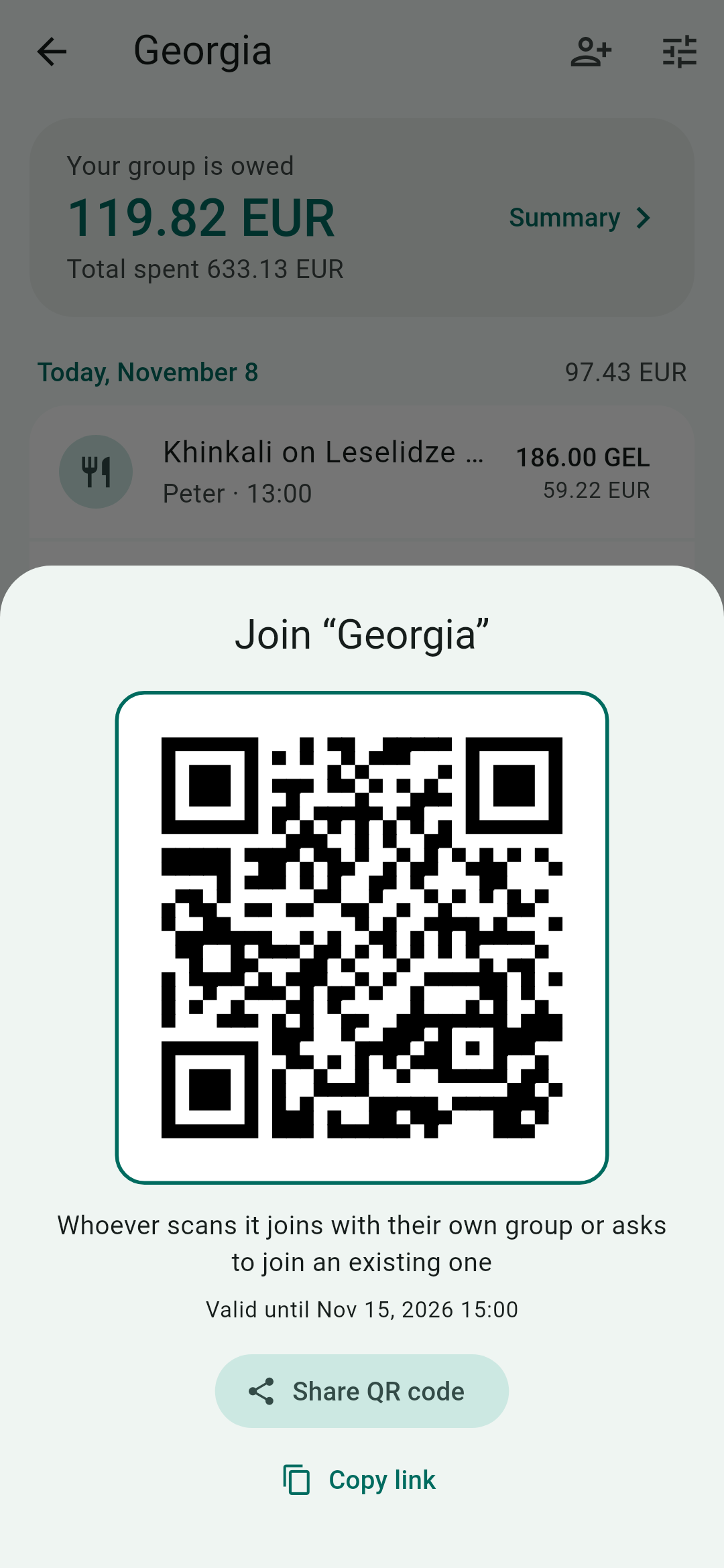
QR invitation
Privacy
Pay Together needs no sign-up and stores no email (only an irreversible fingerprint of it for recovery), no contacts and no device data. The server keeps only the trip data you enter yourself: trip names, member names, expenses and, if you choose, location — to sync it between members.
Price
Free
Every feature of the app is available at no cost.
FAQ
Do I need to sign up?
No. An account is created automatically on the first sync — it is just a key on your phone, with no name, phone number or password.
Is there an iPhone version?
Android only for now.
What if someone in the group does not have the app?
Add them to your group as a member without an account: the group payer adds expenses for them. If they install the app later, their profile can be linked by QR.
Where do exchange rates come from?
The server fills in the Bank of Russia rate for the day of payment. Offline, you can add an expense right away — the rate arrives with the next sync.
How do I move to a new phone?
In “Account and settings”, choose “Move to another device” and scan the QR with the new phone. You can also export trips to CSV.
How do I delete my data?
Delete your account in the app settings. Personal trips are deleted entirely; in shared trips you stay on as a member without an account so that the others' balances do not change.